

You add a figure with different elements, but explaining them all in a single caption feels overwhelming.
Instead of forcing everything together, LaTeX gives you a better way to write separate captions for clarity.
Table of Contents
Using subcaption package for multiple captions
When a figure contains multiple images, you need both the package and the subfigure environment syntax.
Just writing \usepackage{subcaption} is not enough. You must also understand how the environment works.
\usepackage{subcaption}

\begin{figure}
    \begin{subfigure}[alignment]{width}
        content
        \caption{...}
    \end{subfigure}
\end{figure}
-
\begin{subfigure}[alignment]{width}Creates a subfigure block. The optional argument controls vertical alignment (t, c, b).
-
widthDefines how much horizontal space the subfigure will take, like 0.4\textwidth.
-
\caption{...}Adds an individual caption for that specific subfigure.
-
\caption{Main}Defines the main caption for the overall figure.
\documentclass{article}
\usepackage{graphicx}
\usepackage{subcaption}

\begin{document}

\begin{figure}[h]
    \centering

    \begin{subfigure}[t]{0.45\textwidth}
        \includegraphics[width=\linewidth]{example-image-a}
        \caption{First image}
    \end{subfigure}
    \hfill
    \begin{subfigure}[t]{0.45\textwidth}
        \includegraphics[width=\linewidth]{example-image-b}
        \caption{Second image}
    \end{subfigure}

    \caption{Main figure caption}
\end{figure}

\end{document}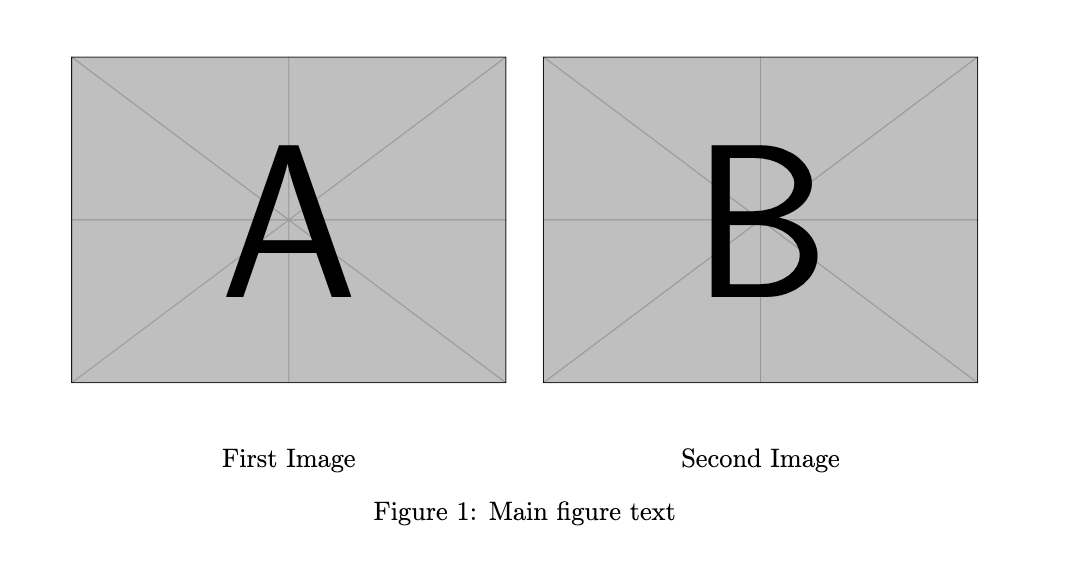
Using subfig package alternative
If you are working with older documents, you might see the subfig package. It also supports multiple captions, although it is less modern compared to subcaption.
\usepackage{subfig}

\subfloat[text]{\includegraphics......}
 \hfill
\subfloat[text]{\includegraphics.......}
-
[text]Creates individual caption.
\documentclass{article}
\usepackage{graphicx}
\usepackage{subfig}

\begin{document}

\begin{figure}[h]
    \centering

    \subfloat[First Part]{\includegraphics[width=0.4\linewidth]{example-image-a}}
    \hfill
    \subfloat[Second Part]{\includegraphics[width=0.4\linewidth]{example-image-b}}

    \caption{Overall figure}
\end{figure}

\end{document}
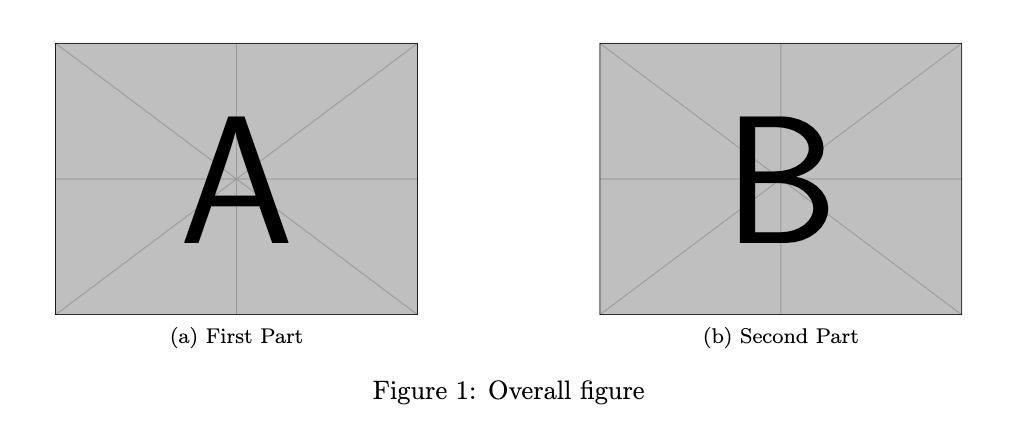
However, you should prefer subcaption because it offers better compatibility with modern LaTeX systems.
Using caption package for extra description
Sometimes you want multiple descriptions without dividing the figure into subfigures. In that case, you must include both the package and the correct caption commands.
\usepackage{caption}

\caption{Main caption}
\caption*{Additional caption}
-
\caption{...}Creates the numbered main caption for the figure.
-
\caption*Adds an extra unnumbered caption, useful for additional explanation.
\documentclass{article}
\usepackage{graphicx}
\usepackage{caption}

\begin{document}

\begin{figure}[h]
    \centering
    \includegraphics[width=0.6\linewidth]{example-image}

    \caption{Main image caption}
    \caption*{Extra explanation for the same figure}

\end{figure}

\end{document}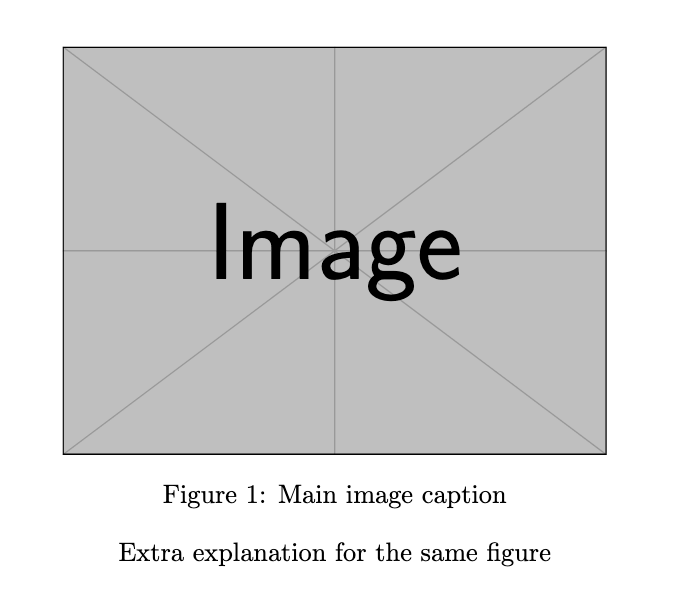
This method is useful when you need descriptive text but do not want separate subfigures.
Manual layout using minipage
If you want full control, you must explicitly define layout blocks using minipage. This method requires manual caption handling.
\begin{minipage}{width}
    content
\end{minipage}
-
\begin{minipage}{width}Creates a fixed-width container for content.
-
\\Used to break line and simulate caption text manually.
\documentclass{article}
\usepackage{graphicx}

\begin{document}

\begin{figure}[h]
\centering

\begin{minipage}{0.48\textwidth}
    \includegraphics[width=\linewidth]{example-image-a}
    \\ \center{First Image}
\end{minipage}
\hfill
\begin{minipage}{0.48\textwidth}
    \includegraphics[width=\linewidth]{example-image-b}
    \\ \center{Second Image}
\end{minipage}

\caption{Main figure text}

\end{figure}

\end{document}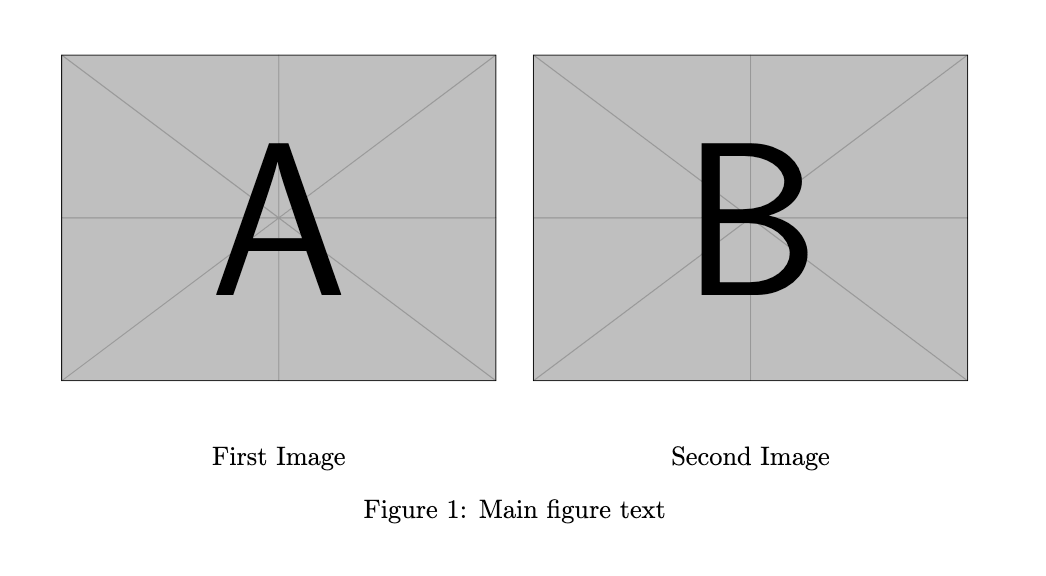
However, this approach does not provide automatic numbering. Therefore, it is less preferred for structured documents.
Best Practice
Always use subcaption when working with multiple images inside one figure. It provides proper syntax, alignment, and numbering.
On the other hand, if you only need extra explanation, the caption package is a simple and effective option.


Jidan
LaTeX enthusiast and physics educator who enjoys explaining mathematical typesetting and scientific writing in a simple way. Writes tutorials to help students and beginners understand LaTeX more easily.