

Sometimes the date in \maketitle is unnecessary. LaTeX prints the current date automatically. This guide explains simple methods to remove the date.
Empty date command
The easiest way is using an empty \date{}. LaTeX then prints no date in the title block.
\documentclass{article}

\usepackage{lipsum} % for lorem lipsum text

\title{Physics Document}
\author{Syeda Simran}
\date{} % Date removed

\begin{document}
 \maketitle
 \lipsum[1][1-4]
\end{document}
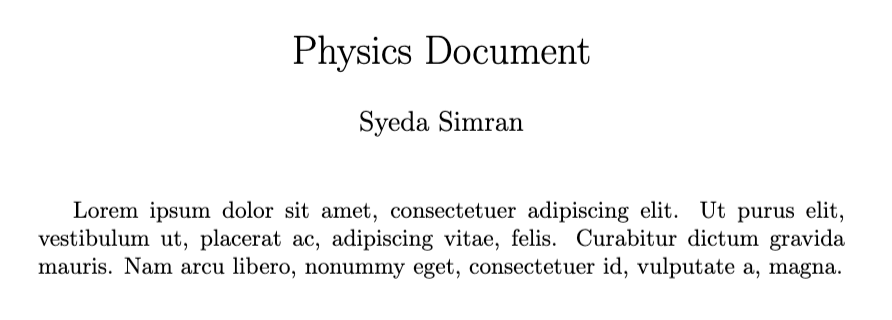
Overriding default date
Some templates automatically insert \today. You can override it by defining an empty \date{} before \maketitle.
\date{\today}
\date{}  % override previous date
\documentclass{article}

\usepackage{lipsum}

\title{Math Document}
\author{Syeda Simran}
\date{\today}
\date{} % override default date

\begin{document}
 \maketitle
 \lipsum[3][1-4]
\end{document}
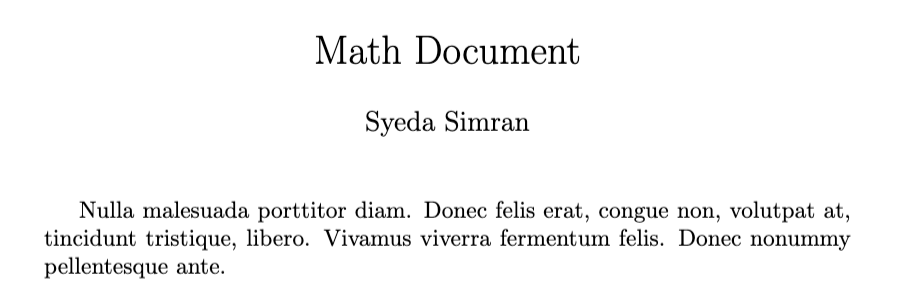
Redefine internal date macro
LaTeX stores the title date in \@date. Redefining it as empty removes the date output.
\makeatletter
\renewcommand{\@date}{}
\makeatother
-
\makeatletterAllows access to internal macros containing the character
@. -
\renewcommand{\@date}{}Redefines the internal macro that stores the title date.
-
\makeatotherReturns LaTeX to normal mode after modifying internal commands.
\documentclass{article}

\usepackage{lipsum}

\makeatletter
\renewcommand{\@date}{}
\makeatother

\title{Chemistry Document}
\author{John Doe}

\begin{document}
 \maketitle
 \lipsum[3][1-4]
\end{document}
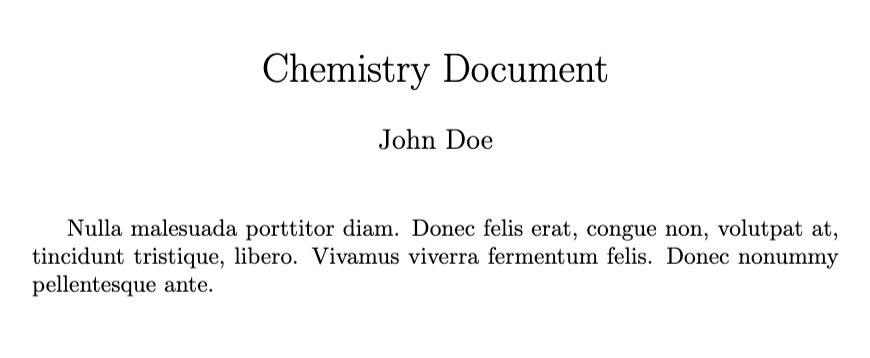
Using titling package
The titling package provides better control of the title block. It can hide the date easily.
\usepackage{titling}
- - -
\date{}
\predate{}
\postdate{}
\documentclass{article}
\usepackage{titling,lipsum}

\title{Botany Document}
\author{Syeda Simran}

\predate{}
\postdate{}
\date{}

\begin{document}

\maketitle
\lipsum[4][1-4]
\end{document}
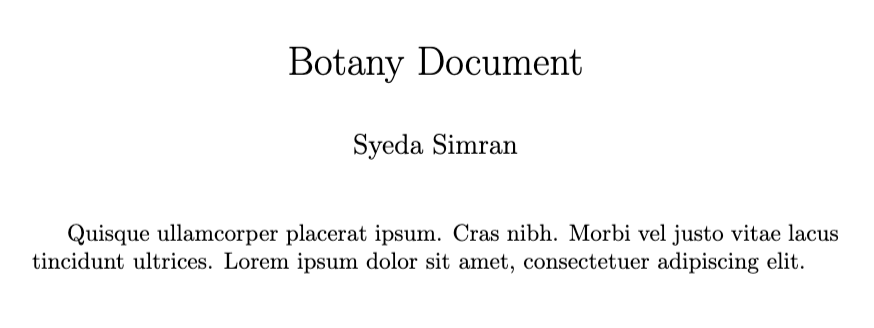
Conclusion
The best method is \date{}. It is simple, clear, and supported by all standard LaTeX classes.


